Surely you know this, you want to delete the node_modules on windows and you wait and wait and wait. I will show you how to delete it faster. The faster way is to delete the folder using the windows command line and the RMDIR command. But the fastest way is to use the npm package "rimraf ". You have to install the package globally:
npm install rimraf -g
After that, you can delete the folder with the command rimraf {FolderPath}.
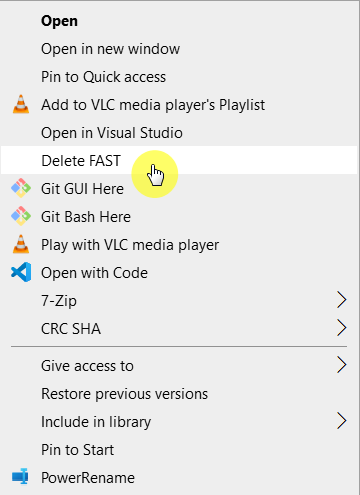
Admittedly, it is not very nice to constantly type this command. I have a solution for that as well. We add this command to the Windows Explorer context menu.
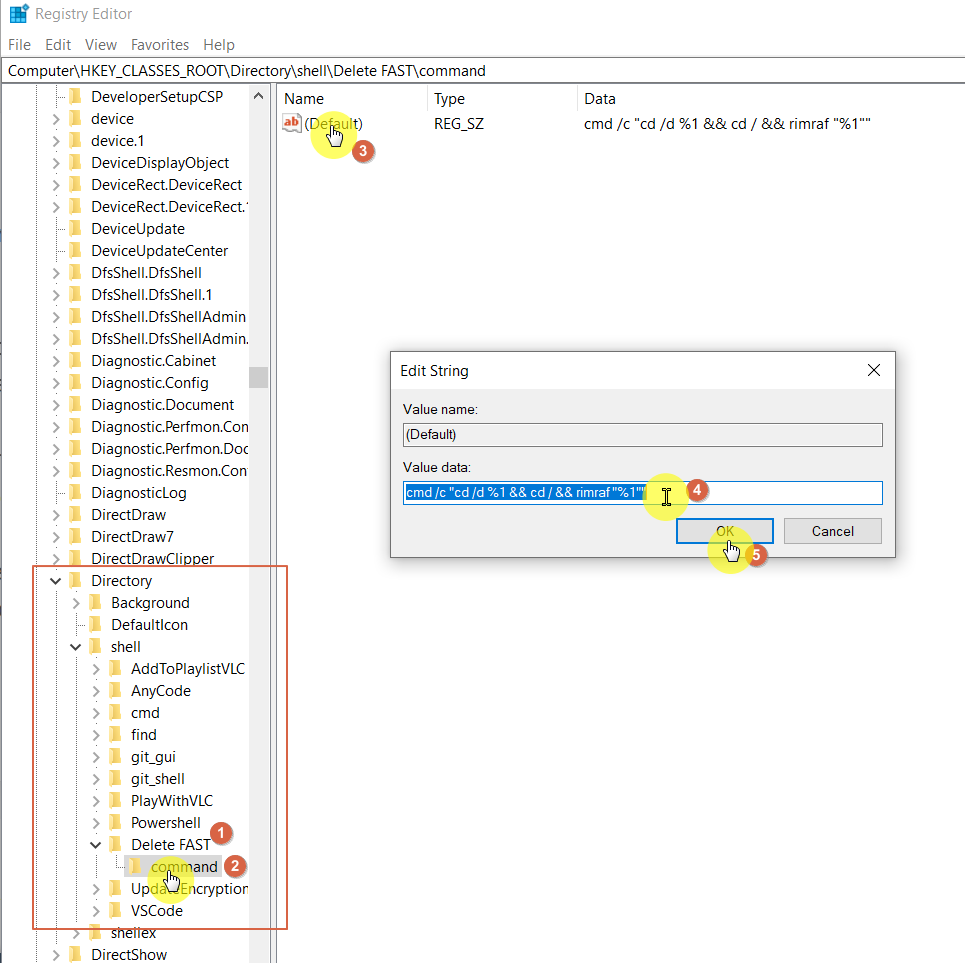
To do this, open regedit (Win + R). Then navigate to the following path.
If you are an administrator ==> HKEY_CLASSES_ROOT\Directory\shell
OR
If you are a normal user ==> HKEY_CURRENT_USER\Software\Classes\Directory\shell
Click on the shell folder with the right mouse and add a new key. The name of this key is then the name as it appears in the context menu. I have chosen for example Delete FAST. For this folder, you create another key with the name command (this name is mandatory). Then you edit the default value and enter the following value
cmd /c "cd /d %1 && cd / && rimraf "%1""
That's it.
Now when you right-click on your folder, you have this item:
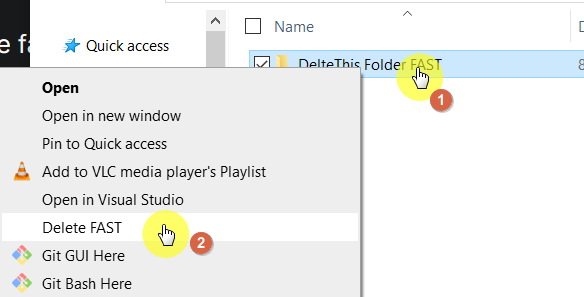
ATTENTION: the folders and the content are permanently deleted, they do not end up in the recycle bin.
Happy Coding ;-)
About the author
I am Sergej and I am a Software Architect from Germany (AURUM GmbH). I have been developing on Microsoft technologies for more than 14 years, especially in SharePoint / Microsoft 365. With this blog, I want to share my knowledge with you and also improve my English skills. The posts are not only about SPFx (SharePoint Framework) but also about tips & tricks around the M365 world & developments of all kinds. The posts are about TypeScript, C#, Node.js, Vue.js, Visual Studio/ VS Code, Quasar, PowerShell, and much more. I hope you will find some interesting posts. I would also be happy if you follow me. Greetings from Germany Sergej / $€®¥09@
Comments
Join the discussionThanks bro, really helped me !!